How to Create a Land Claim in Vintage Story
Protect your home, structures, and resources from other players. A quick guide to creating and managing land claims in Vintage Story.
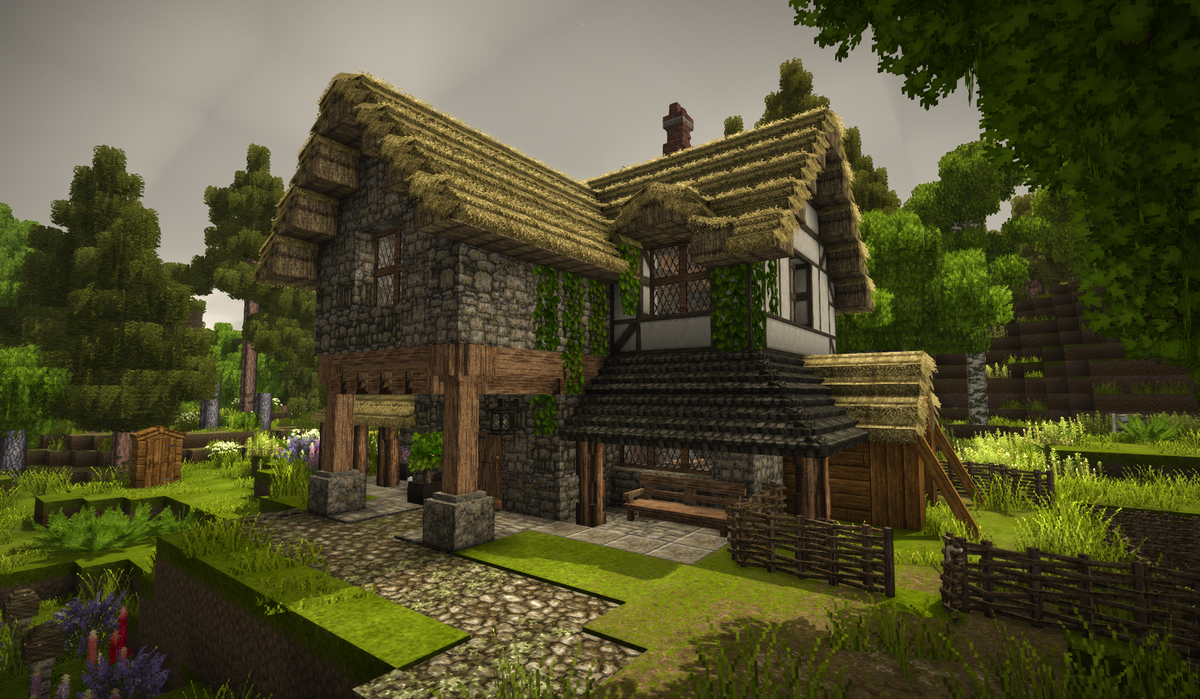
Land claims allow you to protect your buildings, containers, and resources from other players on multiplayer servers.
Step 1. Create a New Claim
Run the command:
/land claim newStep 2. Select Your Area
Stand at the first corner of your future claim:
/land claim startMove to the opposite corner and set the second point:
/land claim endA preview area will appear.
If it is not visible, increase its height:
/land claim grow up 10Step 3. Adjust the Size
Expand the area:
/land claim grow north 5
/land claim grow south 5
/land claim grow east 5
/land claim grow west 5
/land claim grow up 5
/land claim grow down 5
Shrink the area:
/land claim shrink north 5Replace the direction as needed.
Step 4. Add the Area
/land claim addStep 5. Save the Claim
/land claim save myhomeReplace myhome with any name you prefer.
Useful Commands
View Your Claims
/land listCheck Your Claim Limits
/mystatsDelete a Claim
/land free 0
/land free 0 confirm
Replace 0 with your claim index.
Grant Access to Other Players
Load your claim:
/land claim load 0Grant full access:
/land claim grant PlayerName allSave changes:
/land claim save myhomePermission Levels
- traverse — open doors and trapdoors
- use — interact with blocks and containers
- all — full building and breaking permissions